
InVar: IR-drop and thermal analysis for analog and mixed-signal designs

A block that simulates clean can still sag on supply or run hot.
InVar shows you where, while the layout can still change.

What InVar does

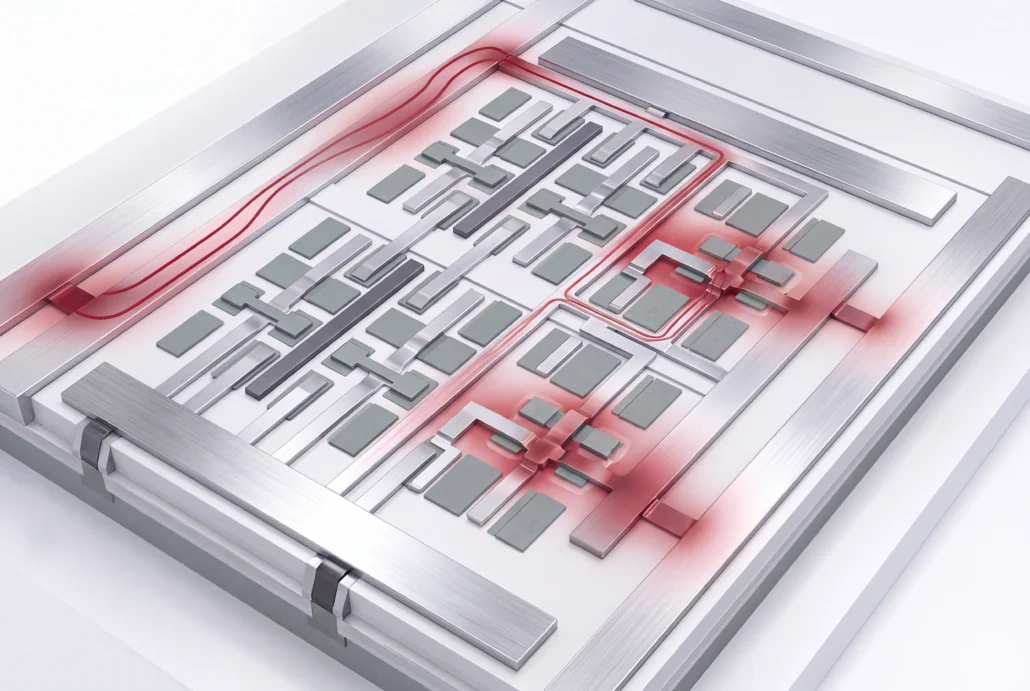
InVar is Silvaco’s IR-drop and thermal analysis tool for analog and mixed-signal ICs. You run it on the transistor-level design itself: memories, standard cells, custom digital blocks, high-speed I/Os and analog circuits. It scales from one block to a full chip. It treats heat and voltage drop as one problem, and each answer already carries the effect of the other.

Capabilities

Supply drop and temperature, each checked against the other on the
layout you plan to tape out.

IR-drop analysis

See every supply network from the top-level connectors to the last transistor. Transient and static checks cover signal and supply nets in the same run, and InVar EM/IR reads your fab’s electromigration rules directly. Hierarchical block models keep runtime and memory down without giving up flat-run accuracy.

Thermal analysis

You get a temperature reading for each device and each routed wire on the die, with no predefined corners to pick in advance. It scales from a few transistors to the full chip. Silvaco has verified its thermal accuracy in the lab and at foundries.

Methodology

InVar simulates power, voltage drop and temperature concurrently. The method is patented, and it runs on a true SPICE engine with parallel processing. You don’t pre-characterize anything first. On a hierarchical design, the macro-modeling module passes voltage and temperature changes up the hierarchy and reaches a full-chip result in a single run.

Coverage

Every process node, FinFET included, as long as your node has a technology file. Processors, wired and wireless networking chips, sensors, high-current ICs and displays are all in range.

Works with

InVar reads industry-standard design files and writes results
your other tools can pick up.

Takes in

A transistor-level design and its supply network. Your GDSII layout, a SPICE netlist with DSPF parasitics and an ITF or iRCX technology file, plus a GDSII layer map, your supply net names, and where your voltage sources sit with their nominal values. For gate-level work, InVar reads LEF, DEF or Verilog, Liberty models, SDC timing, SPEF parasitics and switching activity in FSDB, VPD, SAIF or VCD.

Hands off to

Signoff results, used in back-end physical verification. You get an interactive view for what-if exploration, text reports and an analyzed database, plus file interfaces to pass results downstream.

Applications

Where supply drop and heat decide whether a design holds up.

Full-chip IR-drop signoff on analog and mixed-signal designs

Thermal analysis on high-current ICs

Early back-end checks with InVar Prime, while the power grid can still move

Display and sensor designs

Proof and resources

Start with the datasheet, then see InVar Prime on a layout that isn't finished yet.

Product brief · PDF

August 2018

InVar power, EM/IR and thermal

The datasheet: the InVar family, transistor-level and gate-level analysis, the input data each needs, and the early-stage InVar Prime for layout engineers.

Webinar

July 2016

Power Distribution Network Analysis for Layout Engineers

InVar Prime at the planning stage: where IR drop and current density land in a draft layout, and how thermal results shape the floorplan.

Product brief · PDF

April 2017

Get a Head Start on Reliability Analysis Early in Your Design Cycle

How layout engineers get electromigration, IR drop and temperature estimates from InVar Prime before physical design is done.

See it on your own supply network

Bring the block or chip whose supply network you need to sign off, with its layout and extracted
netlist, and see IR drop andtemperature solved together on your own design.

IR-drop and thermal analysis questions

What is IR drop analysis?

IR drop is the voltage lost as current flows through the resistance of a chip's power network, so transistors see less than the nominal supply. IR drop analysis maps that loss from the package connections down to each device. It shows you where the supply sags far enough to slow or break the circuit.

IR-drop analysis finds where supply voltage is lost. Thermal analysis finds where the chip heats up. Each moves the other. Current heats metal and devices, and temperature shifts resistance and device behavior, which changes the current again. InVar solves both concurrently, so the loop is part of the answer.

No. InVar simulates the transistor-level design directly on a true SPICE engine, and no characterized library has to exist before you start. Bring the layout, the extracted netlist and the technology file. The analysis starts from those three inputs, which means a block you’ve just extracted is ready to check.

Anything from a single cell to a full chip. You don't have to flatten a hierarchical design to analyze it. InVar models each block to keep runs fast and light on memory, then assembles the full-chip result bottom-up from those models without losing accuracy.

Run it once the power grid is drawn, while the floorplan can still change. Then run it again for full-chip signoff. InVar Prime handles the early pass, estimating IR drop, current density and thermal conditions from layout data during planning. InVar runs the signoff check.

InVar applies to all process nodes, FinFET included. What it needs from your node is a technology file in ITF or iRCX format. Share your process with our Technical Experts before an evaluation, and they'll confirm that file exists for it.

SmartSpice

Full-SPICE circuit simulation

SmartSpice Pro

FastSPICE for SRAM and TFT displays

SmartView

Waveform viewing and analysis

SmartSpice RadHard

Single event effects and dose rate

Circuit Rubberband

Real-time tuning, built into SmartSpice