

Requires: Utmost IV, SmartSpice, SmartView
Minimum Versions: Utmost IV 1.10.6.R, SmartSpice 4.10.6.R, SmartView 2.28.2.R
This example describes how to perform an extraction during the measurement sequence and how this extracted value can be used to change subsequent measurements. For demo purposes, the example will measure or more correctly acquire the dataset using simulation mode, rather than using measurement mode.
The project file acq_ex04.prj for this example should be loaded into your database. When opened, the project will look as shown in acq_ex04_01.png.
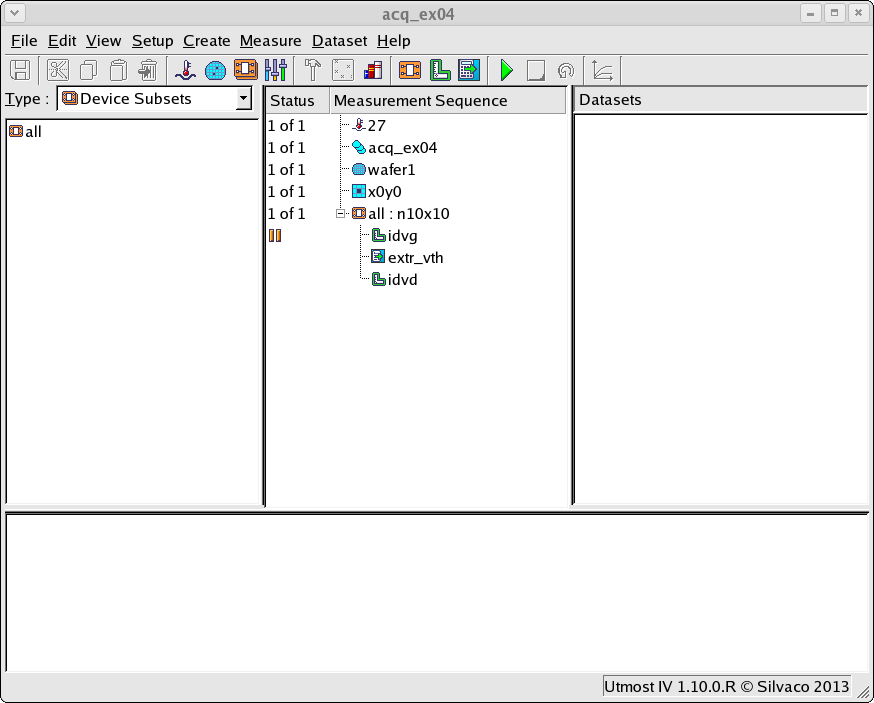
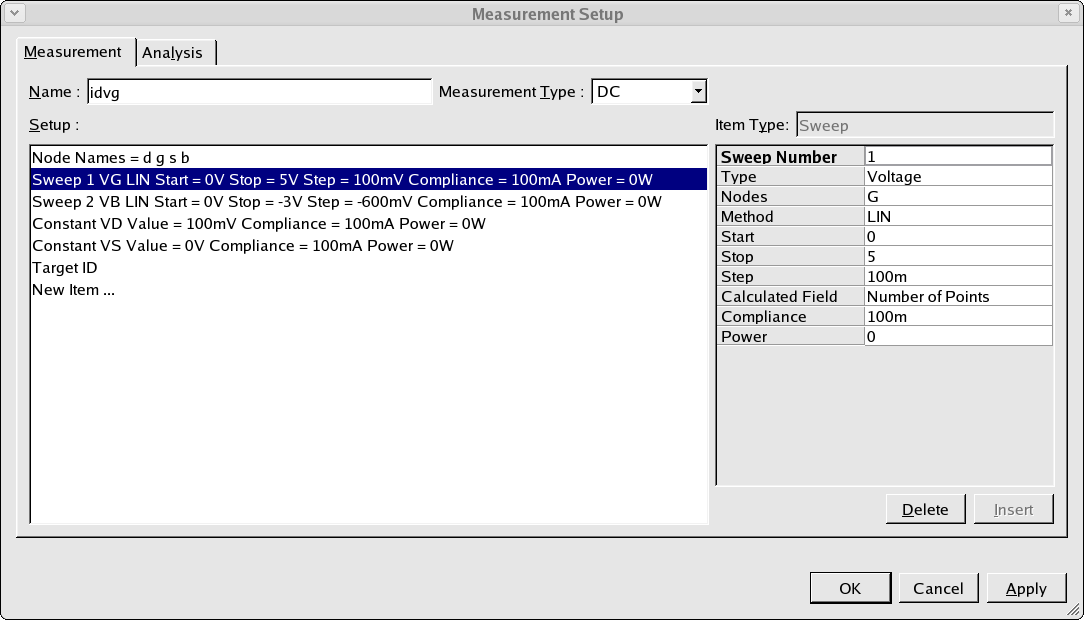
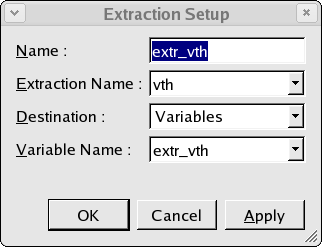
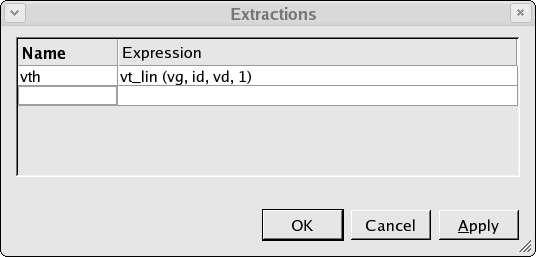
When the measurement sequence is run, each step in the sequence is run in turn for each device defined by the device subset. In this example there is only one device defined. Firstly, the idvg measurement will be performed using the measurement setup as shown in acq_ex04_02.png. After this is done, an extraction is performed as defined using the extraction setup shown in acq_ex04_03.png. Note that the result of the extraction is written into the variable called extr_vth. The extraction itself is defined in the extractions dialog as shown in acq_ex04_04.png.
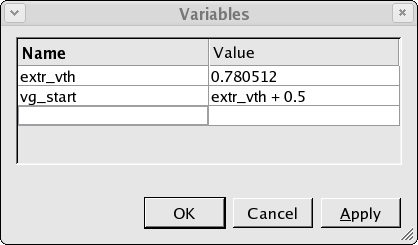
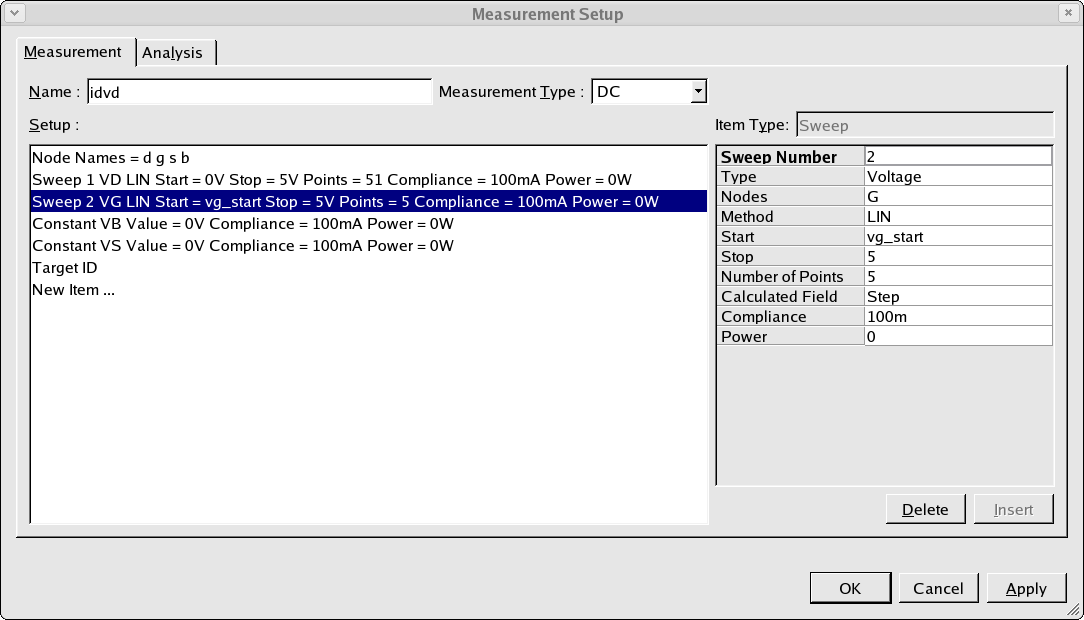
Once the extraction is done the result will be written into the variable called extr_vth in the variables dialog as shown in acq_ex04_05.png. A second variable called vg_start is defined as the value of the extracted threshold voltage plus 0.5 volts. It is this vg_start variable which is subsequently used in the idvd measurement which is defined as shown in acq_ex04_06.png. When this measurement is performed, the value of the vg_start variable is substituted into the setup and this is automatically stored into the database.
A plot of both measured datasets is shown in acq_ex04_07.png.

By using extractions and variables in this way, the result from one measurement can be used to modify any subsequent measurements.