

Requires: Utmost IV, SmartSpice, SmartView
Minimum Versions: Utmost IV 1.10.6.R, SmartSpice 4.10.6.R, SmartView 2.28.2.R
This example describes how to define a measurement setup which includes a variable and then how to measure a dataset using this setup. For demo purposes, the example will measure or more correctly acquire the dataset using simulation mode, rather than using measurement mode.
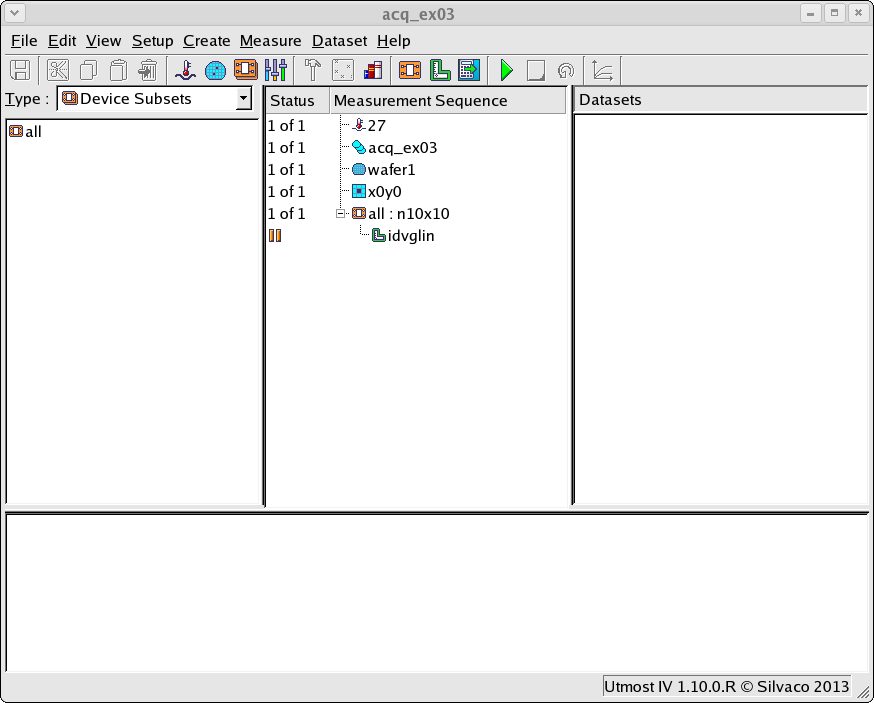
The project file acq_ex03.prj for this example should be loaded into your database. When opened, the project will look as shown in acq_ex03_01.png.
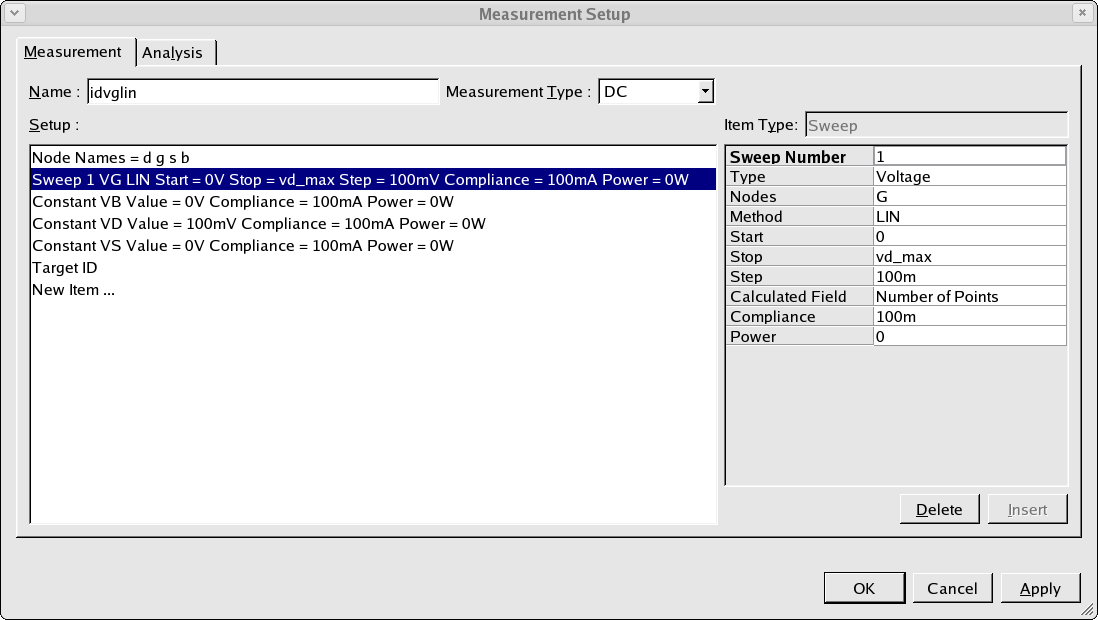
The measurement setup from this example is shown in acq_ex03_02.png. Note that the stop value for the gate voltage sweep is not defined using a numeric value, but is defined as a variable name vd_max. This variable name corresponds to a variable which is defined in this project as shown in acq_ex03_03.png.
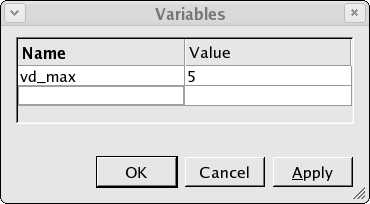
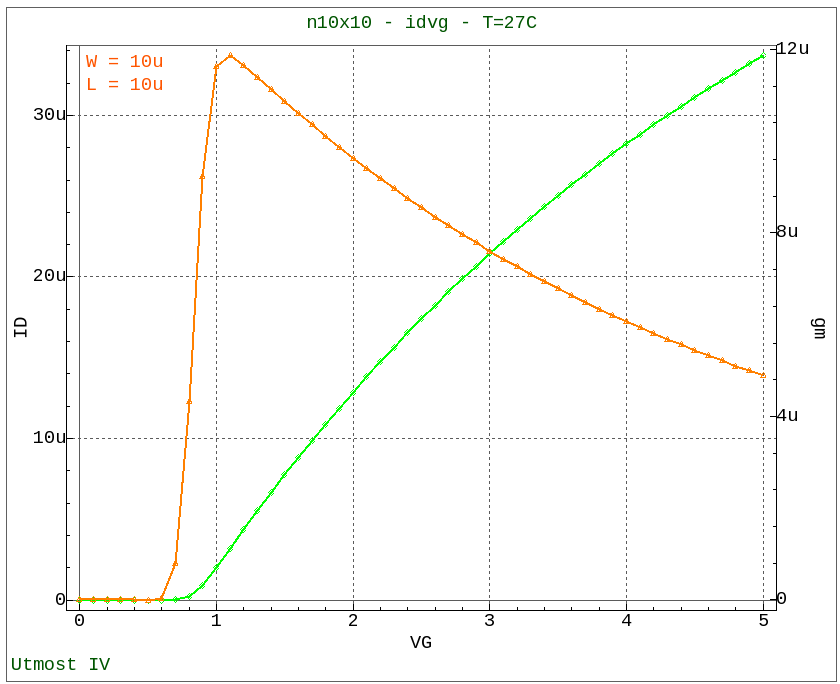
When the measurement sequence is run, the value of this variable is used to specify the stop value for the gate voltage sweep. The measured data with this stop value as shown in acq_ex03_04.png is then automatically stored in the database.
The use of variables in this way can be used to specify generic measurement setups which can be used for multiple technologies simply by changing the value of the project variables.