

Requires: SmartSpice & Smartview
Minimum Versions: SmartSpice 4.6.5.R
Two sources can be used to give a variety of shaped Sine Wave cycles ranging from a ramp up, a constant level, a phase change and even a burst of Sinewave cycles. In these example the sinewave can be made to change phase or be a burst of cycles.
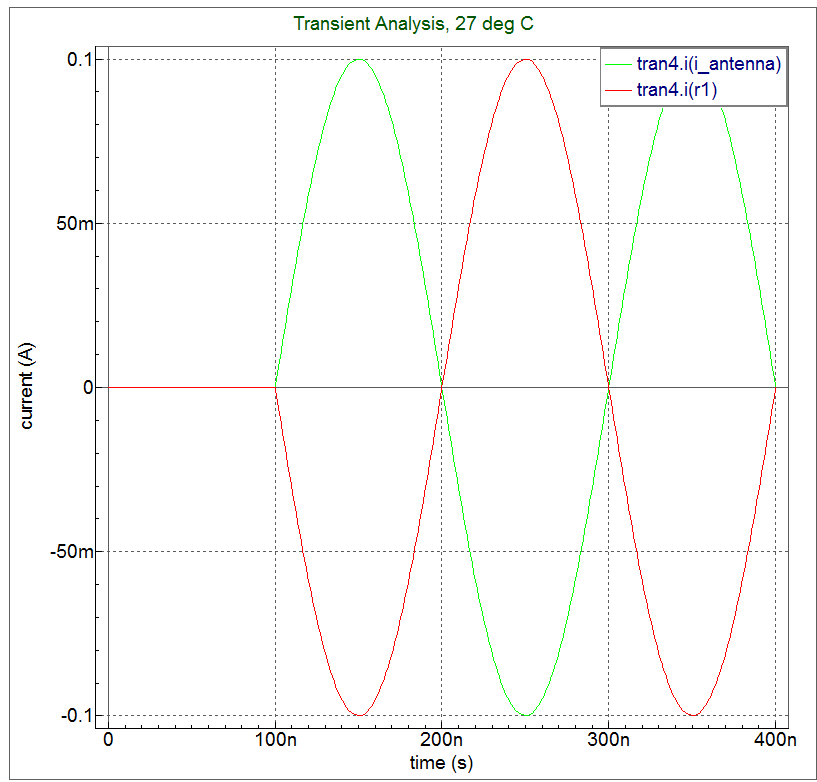
The input deck is a SPICE file that allows the output waveform to be offset in phase compared to the input waveform as show in this waveform plot where there is a 180 deg. shift in output waveform.
The input deck is a SPICE file that allows a burst of cycles in the output waveform to be offset in phase compared to the input waveform as shown in this waveform plot where there is a burst of sine wave cycles in the output waveform.
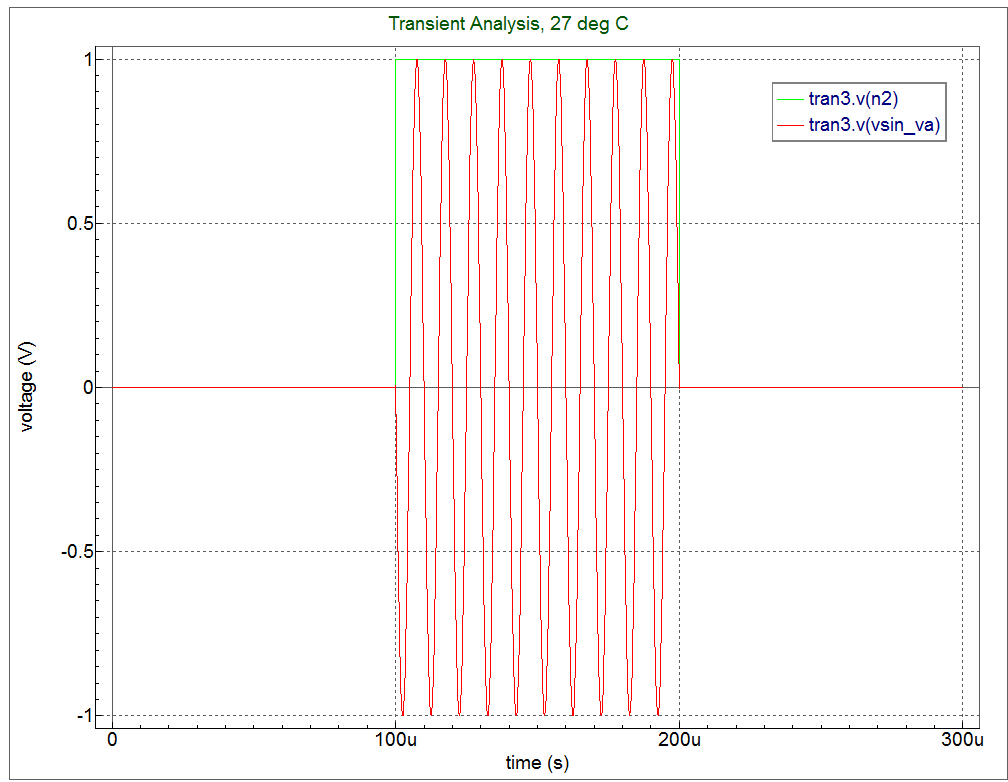
run the simulation, Source the input deck and press the green run button. When the simulation completes, you can see the relevant output waveforms.
Input Files
sine_delay.in — view contents
* Test input deck
*************************cs

****** PWL shaping
V2 n2 0 0 pwl (0,0  99.9u, 0 100u,1 200u,1 200.01u,0 )
R0 n2 0 1
****** Sine Source
Vsin_va vsin_va 0 DC 0 SIN(0 "v(n2)" 0.1MEG 0 0 180)
R1 vsin_va 0 1

.TRAN 10n 300u

.PROBE v(vsin_va) v(n2)

.END
sine_burst.in — view contents
* Test input deck
*************************cs

****** PWL shaping
V2 n2 0 0 pwl (0,0  99.9u, 0 100u,1 200u,1 200.01u,0 )
R0 n2 0 1
****** Sine Source
Vsin_va vsin_va 0 DC 0 SIN(0 "v(n2)" 0.1MEG 0 0 180)
R1 vsin_va 0 1

.TRAN 10n 300u

.PROBE v(vsin_va) v(n2)

.END
012_Sine_Burst — view contents
[an error occurred while processing this directive]