

Requires: SmartSpice & Smartview
Minimum Versions: SMARTSPICE 4.30.5.R + SMARTVIEW 2.34.3.R
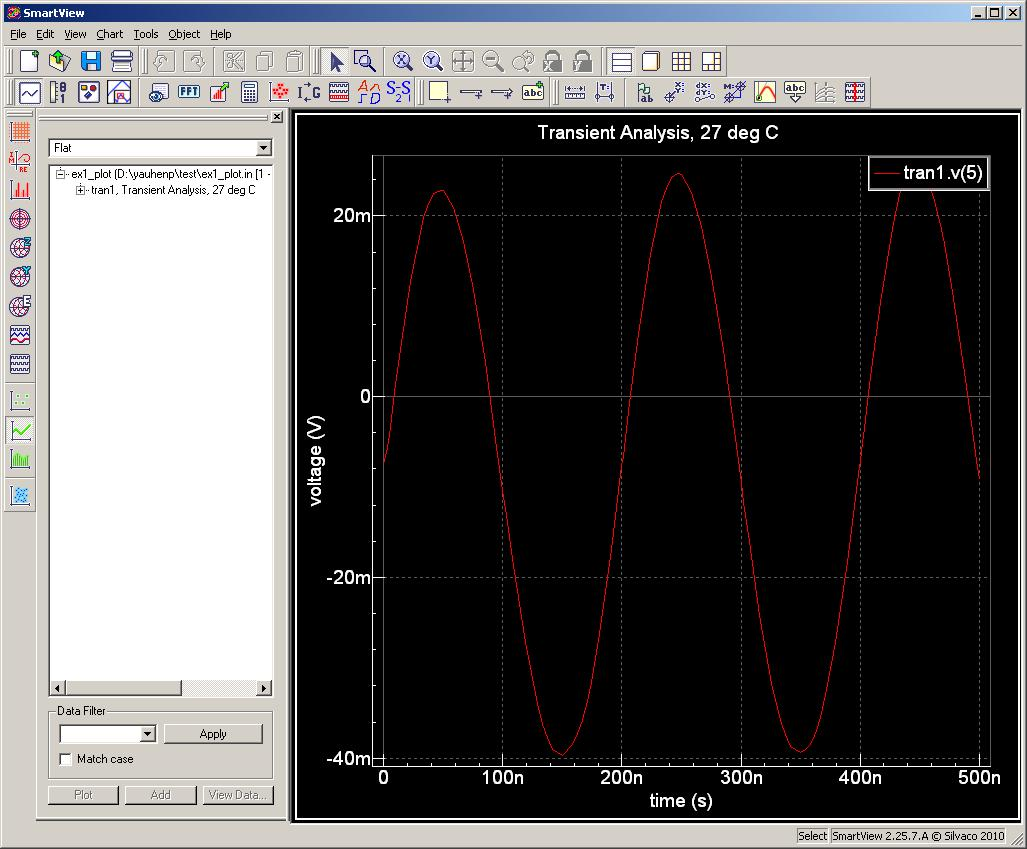
The SmartSpice application allows scripting of tasks in a control block of a SmartSpice input deck and to display results in the SmartView viewer. To illustrate this in a very simple case here is how to load in previously simulated dat in a RAW file and then to change contents before resaving the RAW file with the extra components. This is obviously very useful to avoid having to resimulate the circuit again and a real benefit in time saved especially when the simulation runs fore a long time.
1. Load given RAW file
Graphics
Input Files
ex1_plot.in
*     SMARTVIEW DEMO EXAMPLE
*

*********************************************
* Netlist
VIN  1 0  DC 0  SIN(0 0.1 5MEG)  AC 1
VCC  8 0  DC 10
VEE  9 0  DC -12
RS1  1 2  1K
RS2  5 0  1K
RC1  3 8  10K
RC2  4 8  10K
RBIAS  7 8  20K
CLOAD  3 4  5PF
Q1  3 2 6  QNL
Q2  4 5 6  QNL
Q3  6 7 9  QNL
Q4  7 7 9  QNL
*********************************************

*********************************************
* Model definition
.MODEL QNL NPN(BF=80 RB=100 CCS=2PF TF=0.3NS TR=6NS CJE=3PF CJC=2PF
+   VA=50)
*********************************************

.TRAN 5NS 500NS

*********************************************
* To plot more vectors list them in this statement
.IPLOT V(5)
*********************************************

.OPTIONS ACCT RELTOL=0.001 NOMOD NODECK
.END