Requires: Utmost IV, SmartSpice, SmartView
Minimum Versions: Utmost IV 1.10.6.R, SmartSpice 4.10.6.R, SmartView 2.28.2.R
This example describes how to perform measurements using a ground unit in your
measurement instrument.
The project file
acq_ex10.prj
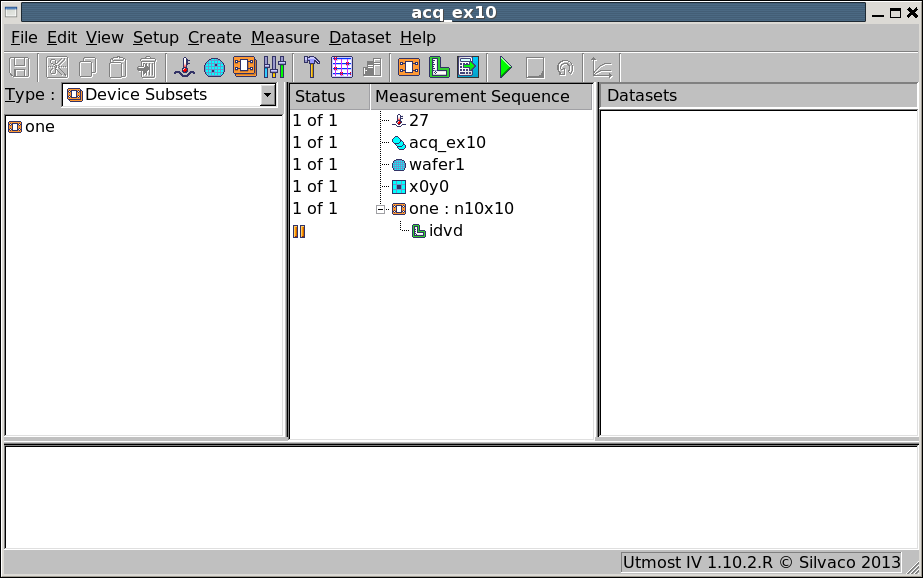
for this example should be loaded into your database. When opened, the
project will look as shown in
acq_ex10_01.png
. The device to be measured is a four terminal MOSFET. In this example, our
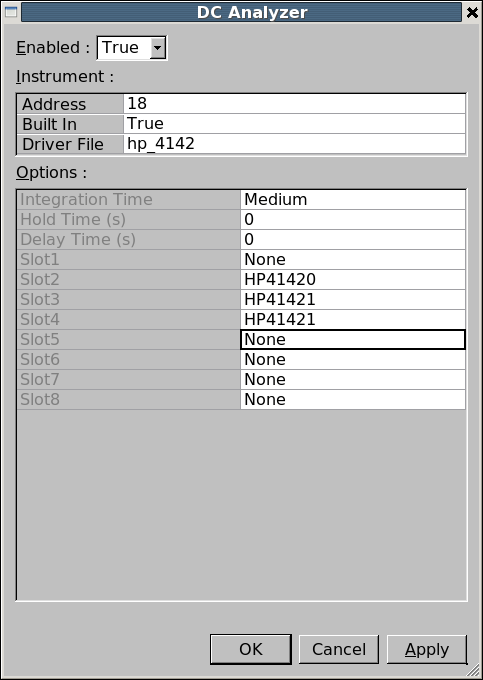
hardware is a hp_4142 instrument which only has three source/measurement
units or SMUs, as shown in
acq_ex10_02.png
. In order to perform the measurement, we must make use of
the ground unit which is available on this instrument.
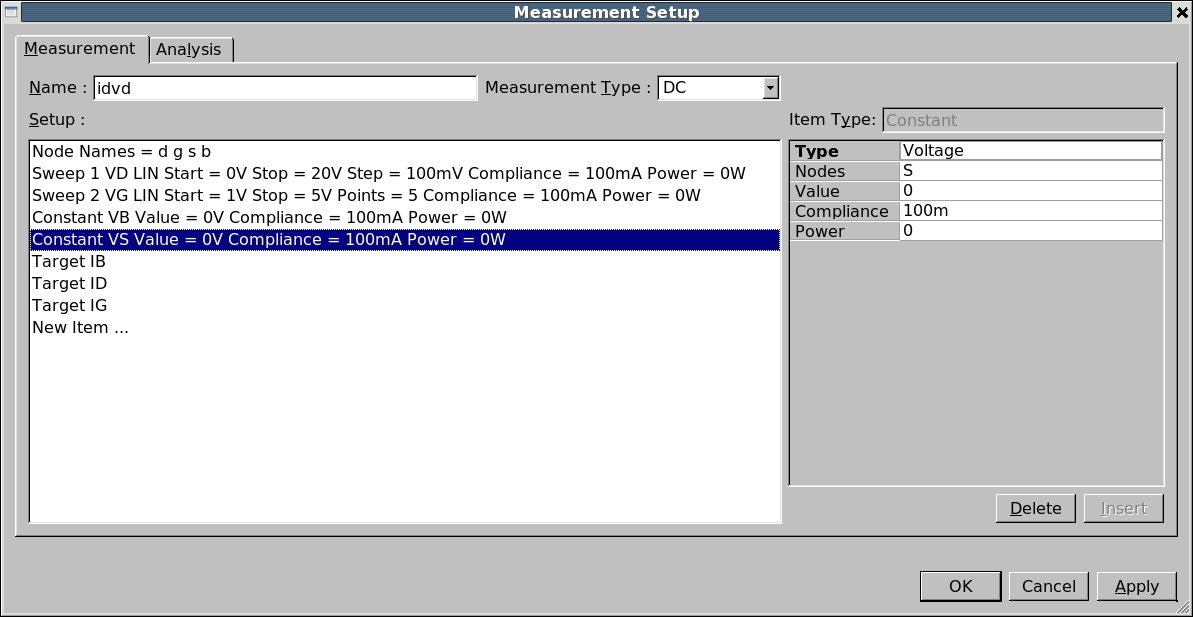
To make use of the ground unit, the measurement setup must have a zero
valued voltage source which does not have a current measurement associated
with it. This project contains a measurement setup called idvd which is shown in
acq_ex10_03.png
. In this setup, both the source and the body are zero valued voltage
sources, but the body current is also being measured. So only the source
can be used with the ground unit.
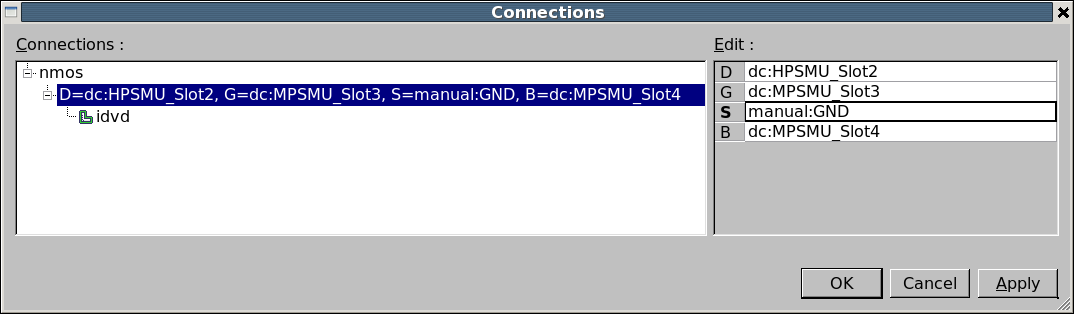
In the connections, the source must be connected to ‘manual:GND’ as shown
in
acq_ex10_04.png
.
Graphics